
Find what’s filling your drive
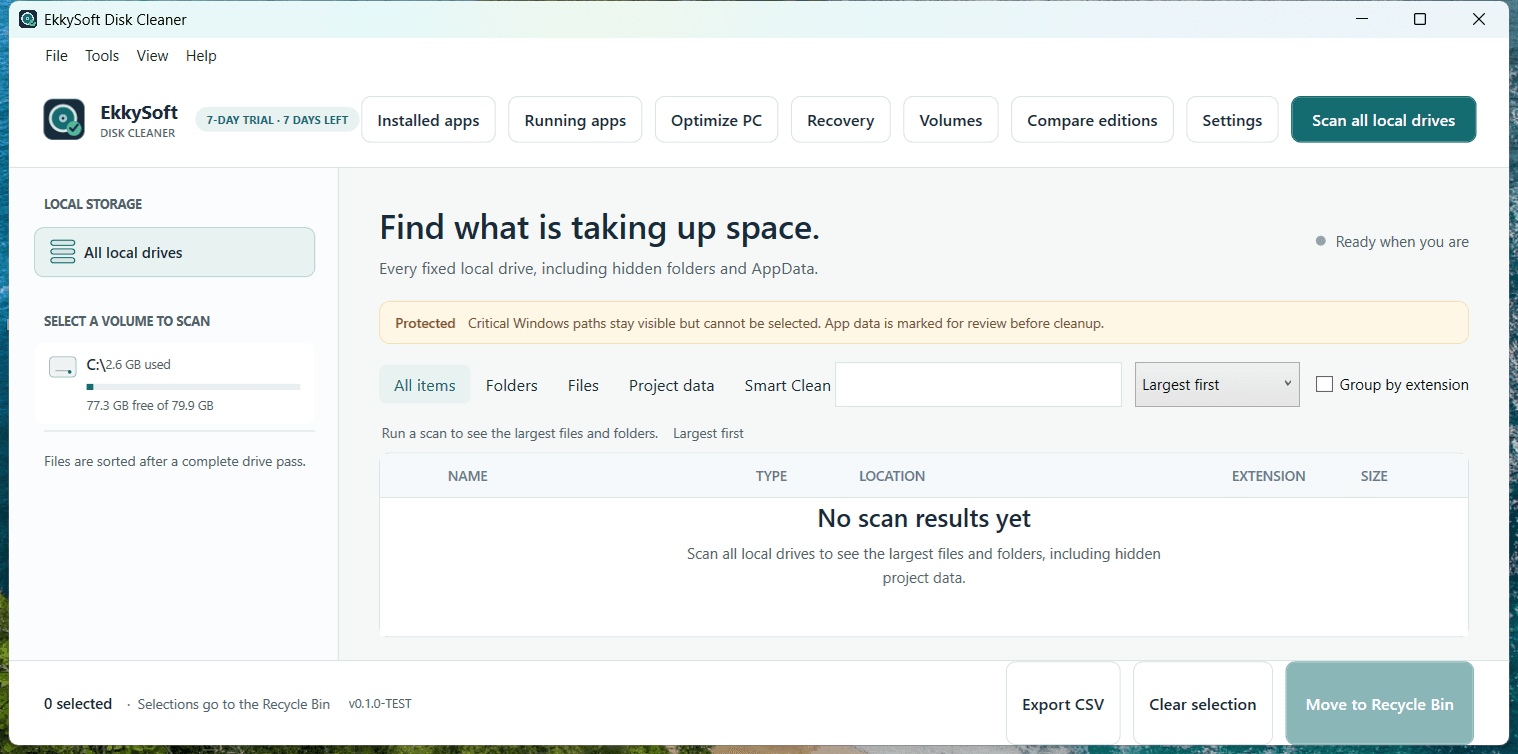
Scan folders across your drive, including AppData. Review large items and choose what goes to the Recycle Bin.
Advanced checkout will open after Lemon Squeezy activation.
 EkkySoft Disk Cleaner
Illustrative sample · C: volume
Largest items
| Name & location | Category | Size | Safety |
|---|---|---|---|
| node_modulesUsers / ekkya / Projects / shop | Project data | 18.4 GB | Review |
| WindowsC:\Windows | System files | 12.8 GB | Protected |
| VideosUsers / ekkya / Videos | Personal files | 9.2 GB | Review |
| pagefile.sysC:\pagefile.sys | System files | 4.0 GB | Protected |
| AppDataUsers / ekkya / AppData / Local | Application data | 3.6 GB | Review |
| Build cacheUsers / ekkya / Projects / build-cache | Application cache | 2.8 GB | Review |
| Program FilesC:\Program Files | Applications | 2.4 GB | Protected |
Sample values only · no files are opened, uploaded, or removed on this page.
A clear view before you clean
Choose a volume, scan hidden folders and AppData, then review the largest files and folders before deciding what to remove.
Choose the edition that fits you
Start with the Free edition or try Advanced features for seven days.
Free
Understand what uses your local disk and clean up selected files safely.
- Scan all fixed drives or choose one volume
- Rank up to 150 files and folders
- Find project data, AppData and hidden paths
- Keep protected Windows files locked
- Recycle Bin cleanup and CSV inventory
Includes volume overview and Windows Disk Management shortcut.
Download FreeAdvanced
Go further with smart suggestions, duplicate checks and recovery tools.
- Rank up to 2,500 files and folders
- Smart Clean for temporary, old and large files
- Find duplicates; group by extension or age
- Microsoft app review, running apps and recovery
US$4.99 one time through Lemon Squeezy. Advanced is a separate download.
Try Advanced for seven days. After the trial, the Free edition returns to its included features. The trial does not take payment.
Advanced checkout link will appear here after Lemon Squeezy activation.
Your scan is a review, not a delete button.
Scans run locally. Disk Cleaner labels protected Windows locations, keeps them out of cleanup selection, and sends selected personal files to the Recycle Bin. You choose the files; the app does not silently remove them.
Built for cautious cleanup.
Learn what the scan includes, how protected files are handled, and what this sample can and can’t do.
Does this page scan my drive?
No. The drive selector above is an interactive preview using sample values only. The Windows app scans local disks on the PC where it is installed.
Can I delete Windows system files?
Critical operating-system paths are identified and locked from normal cleanup selection. Some paths may be inaccessible to the scanner and are reported as skipped.
Where do downloads and checkout open?
The Free edition download opens the official EkkySoft GitHub Release. Advanced checkout opens Lemon Squeezy. Each link appears here when its release or checkout is active.